.avif)
Offering this to your deaf customers? Here’s what you need to know.
Convo makes it simple for deaf people to connect, on their terms, in their language.
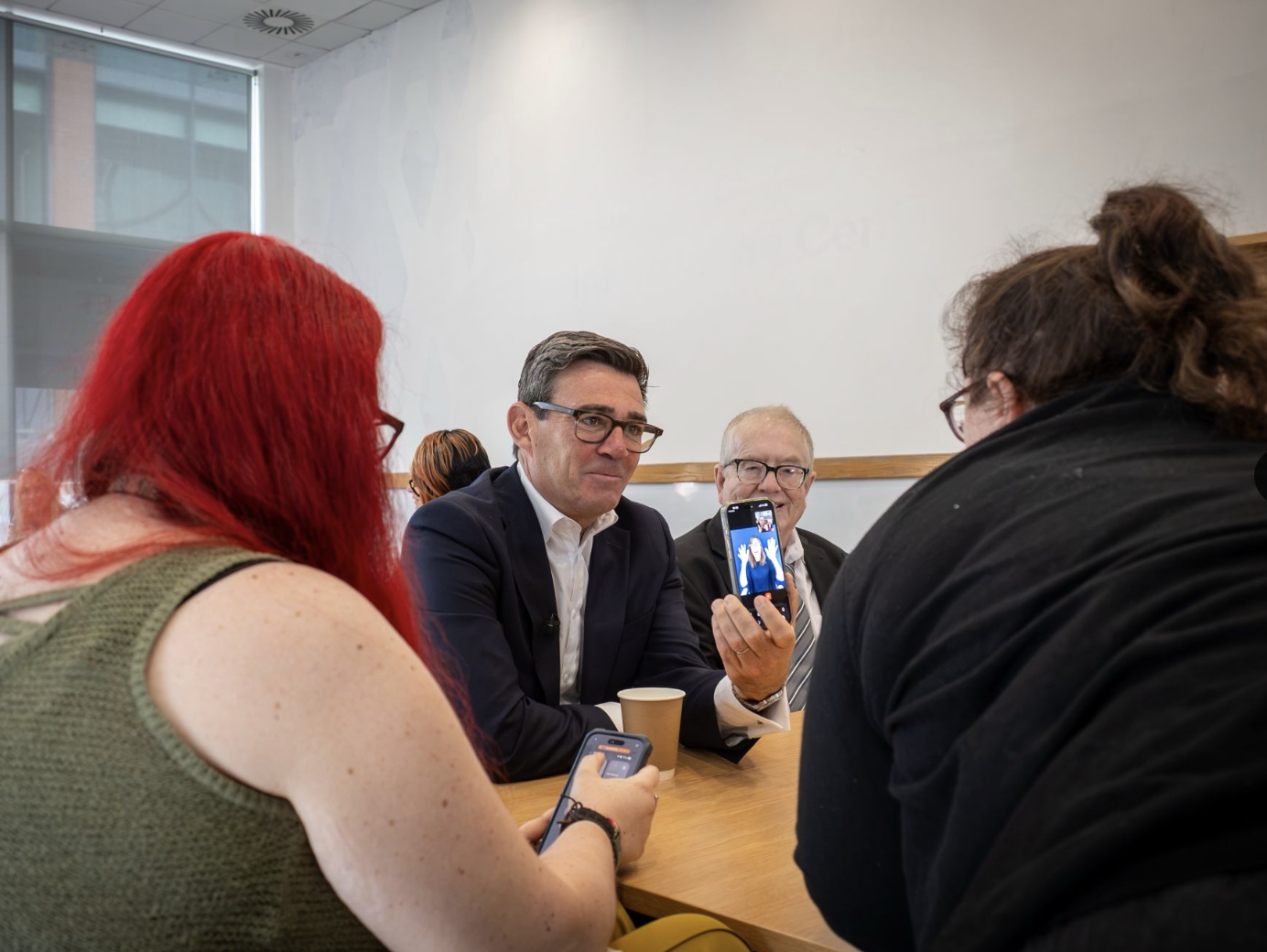
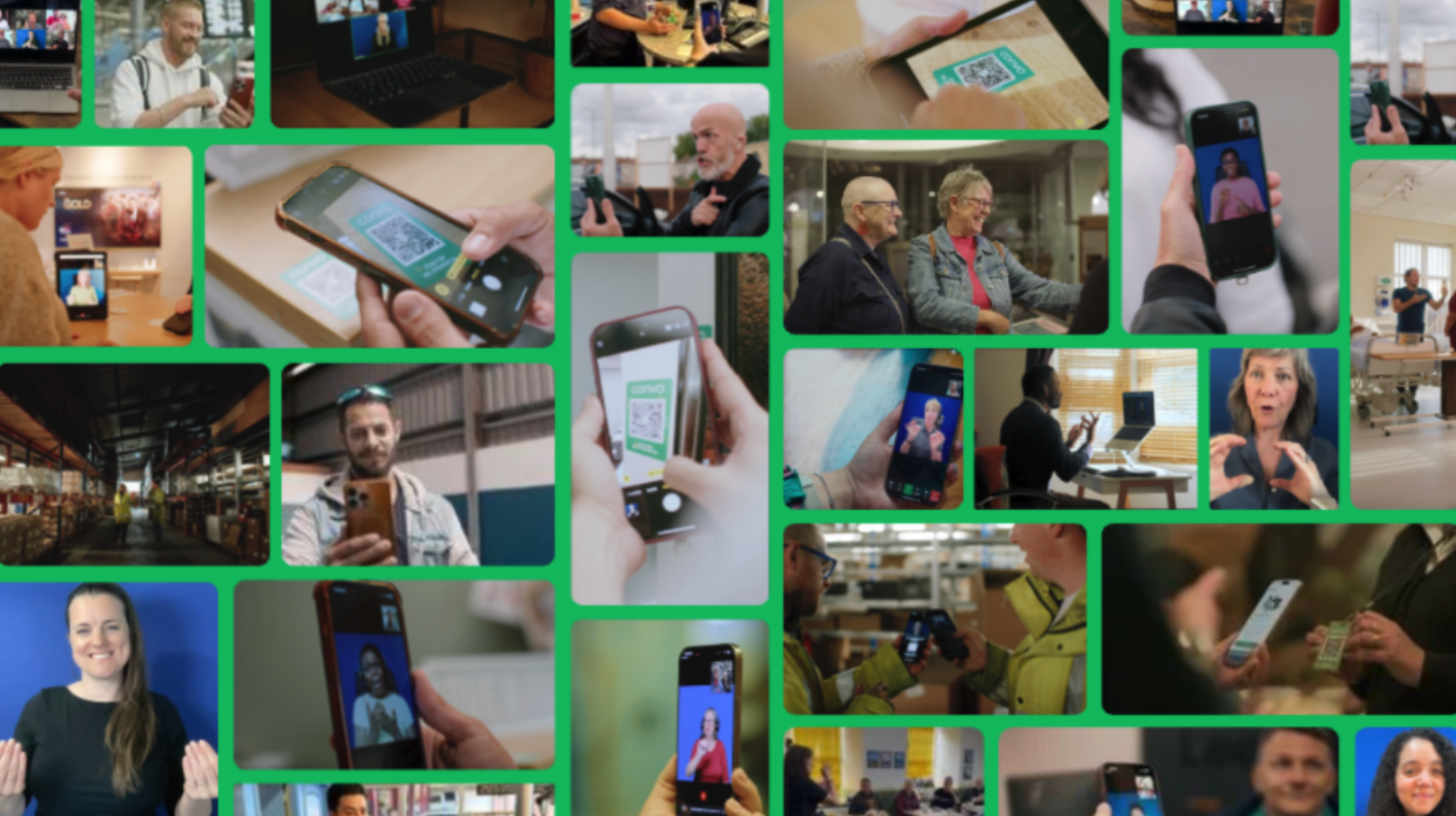
By scanning a QR code, a deaf person using sign language can connect with an interpreter in real time. They choose when, where, and how the conversation happens.
Our focus is clear. Deaf customers lead every conversation.
When that control is present, connection becomes natural. Trust builds. Everyday interactions feel easier and more human.
Request an Interpreter with a QR Code
Step 1
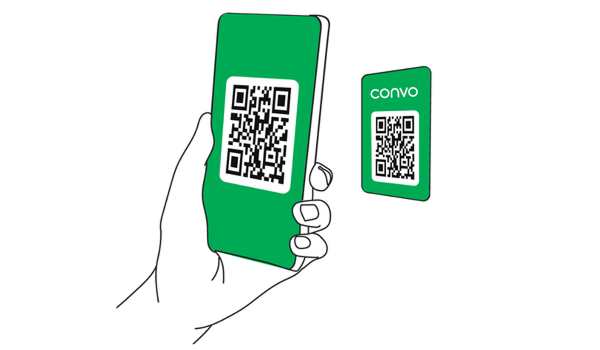
A Deaf person scans the QR code to request an interpreter.
Step 2
Allow camera and microphone use, then connect with an interpreter
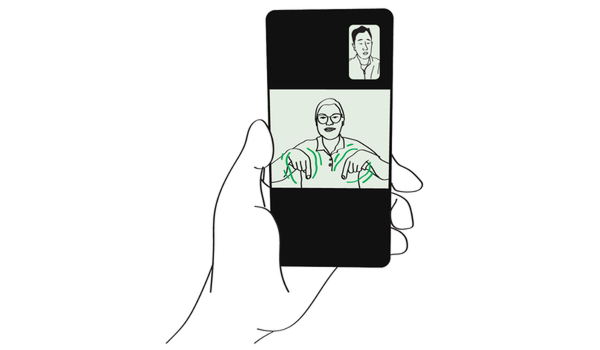
Step 3
Start the conversation
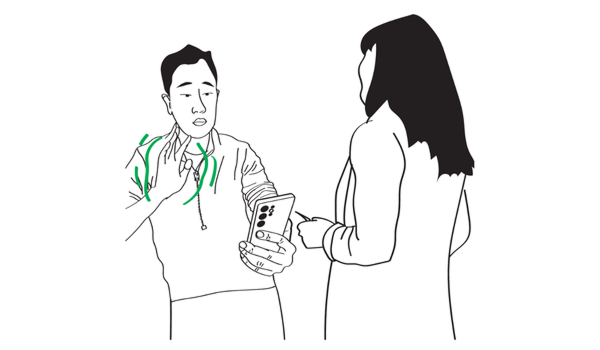
Watch how it works
Convo Access Points
A QR code connects a deaf person with an interpreter. The interpreter supports real-time communication between you and the customer.
Set up for a smooth experience
- Check the signal bars to make sure reception is strong.
- If the signal is weak, move to a nearby area with better connectivity.
- If reception is poor, provide Wi-Fi and ensure it’s stable. Check Wi-Fi allows video calls, as security settings may block them.
- Keep the space well lit so signing is clear
- Place the QR code where it is easy to notice
When connecting
- If a deaf customer identifies themselves, you can point to the QR code as one option. People decide how they want to communicate
- If you cannot hear the interpreter, gesture to adjust volume or move the device closer - See ‘Using audio support in noisy environments’
- Turn off Bluetooth. It may connect to a hearing device and interrupt audio
Using audio support in noisy environments
When you're in a noisy place like a café, expo, or customer service area, your interpreter might have trouble hearing the hearing person clearly.
This feature gives you another way to keep the conversation flowing smoothly. Here’s how it works:
Step 1
Trouble hearing? Take out your device.

Step 2
Ask the Deaf consumer to click on ‘Connect’ on their device, then use your device to scan the QR code.
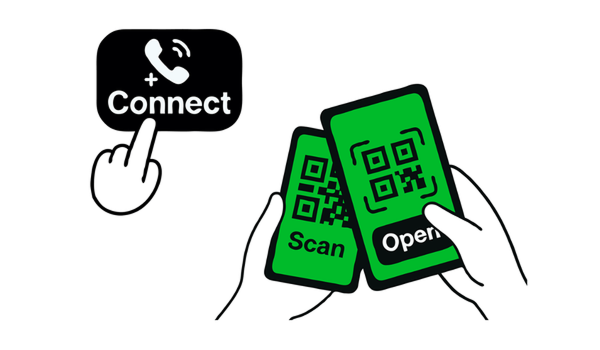
Step 3
Listen through your device.

This supports clear, user-led communication from the moment they choose to connect.
Watch the video for guidance
Visibility of Convo Access Points
Convo Access should be easy to recognise in any environment.
The Deaf community already knows these QR access points. Clear placement means faster connection.
As a guide, if it is not visible from about one metre away, it may need to stand out more.
Do
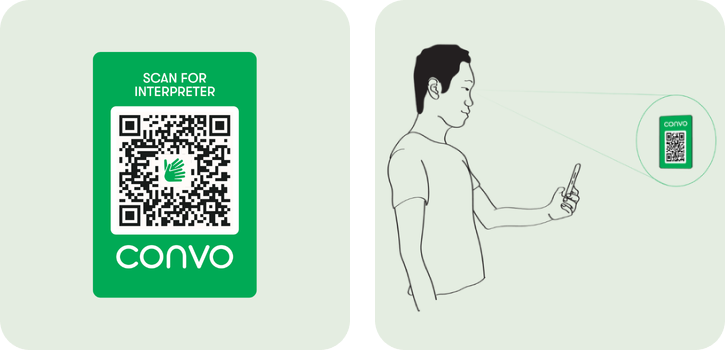
- Place on a solid, contrasting background
- Keep it clear and easy to read
- Position at eye level on desks, glass, or walls
Avoid
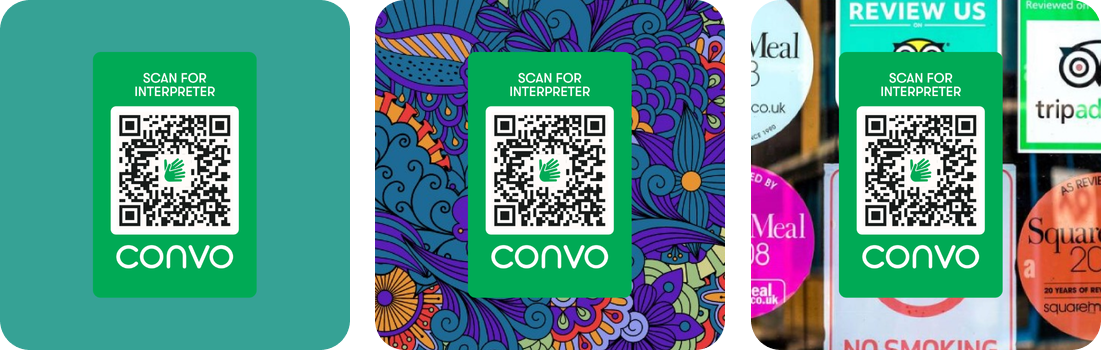
- Similar coloured backgrounds
- Busy or cluttered surfaces
- Placing it too high, too low, or hidden in visuals
Watch the video for guidance
Integrity of Convo Access Points
Convo Access assets must stay consistent. This keeps them recognisable and trusted across different spaces.
If resizing is needed, connect with the Convo brand team.
Do not
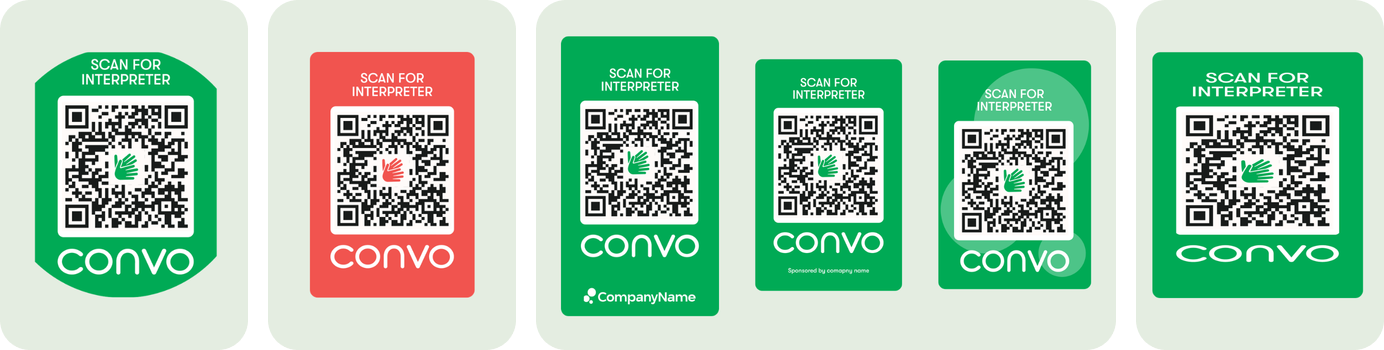
- Crop or mask the asset
- Change colours
- Add logos, labels, or symbols inside the asset
- Distort or compress proportions
Watch the video for guidance
See Convo Access in action
Explore how people use Convo Access in everyday settings:
At a Train Station
At a Kennel Shelter
At a Tech Store
At a Museum
Commonly Asked Questions
What's the best way to get a Deaf person's attention?
If you are behind them, gently tap them on the top of the shoulder. If you are in their view, wave at them while making eye contact.
Why is eye contact important with Deaf people?
This tells them you are talking with them and have their needs in mind.
Why is it important to address the Deaf person directly?
Sign language interpreters are there to interpret the conversations between Deaf and hearing people. They are trained to facilitate communication, and not become directly involved with conversations.
Do all Deaf people have the same preferred method of communication?
No. While many Deaf people prefer to sign, others have some residual hearing and may therefore prefer to speak. Others prefer to write with paper and pen.
What do I do if I don't understand something that was said through the interpreter?
Ask for clarification. Deaf people are accustomed to the occasional misunderstanding, things sometimes getting lost in translation, etc.
What if older iPhones are not able to scan QR codes?
Find out how to get Apple’s free Code Scanner for iPhones.
Still need support?
We're here to help! If you need additional support or have any questions, don't hesitate to reach out. Our team is ready to assist you anytime you need.
Contact us